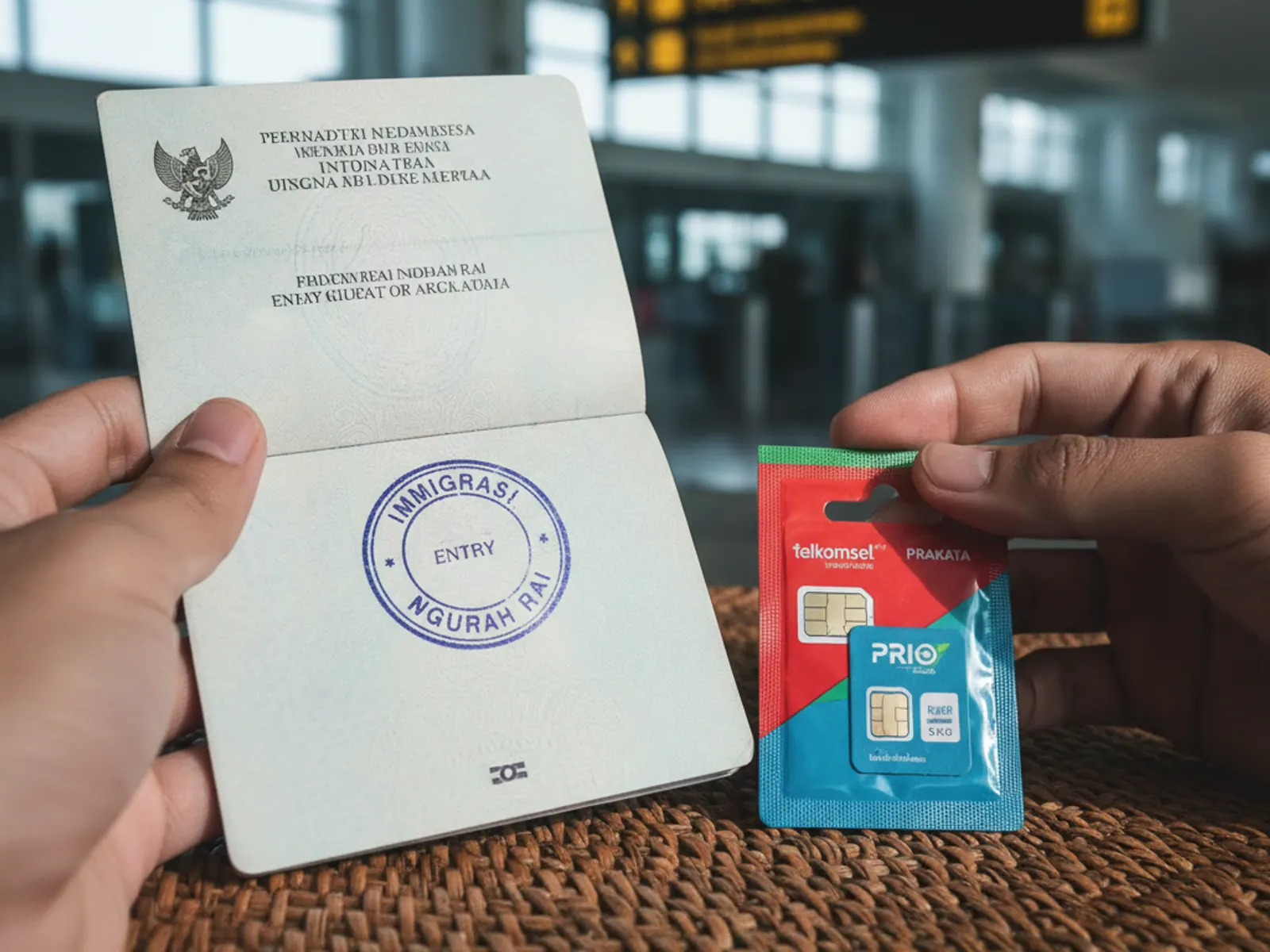
The e-VOA (electronic Visa on Arrival) is exactly the same visa as the standard VOA you buy at the airport — same 30-day duration, same one-time extension right, same cost. The difference is you apply online before you fly, get an approval email, and then walk straight past the VOA payment queue at Ngurah Rai to the faster e-gate or dedicated counter. If you are already planning your trip in advance, the e-VOA is the smarter option.
TL;DR
- The e-VOA is the online pre-approval version of the standard Visa on Arrival. Same rights, similar cost.
- Apply at evisa.imigrasi.go.id — check the latest URL before travel as the Indonesian government occasionally migrates its portals.
- You need a passport scan, a passport photo, your entry date, flight number and accommodation address.
- Costs approximately IDR 550,000 (~$35–38 USD) including a service fee.
- After approval (1–3 business days) you receive a PDF. Print it or save it on your phone.
- At Ngurah Rai, go to the e-VOA lane / e-gate instead of the VOA payment counter.
Step 1 — Gather Your Documents
Before you open the portal, prepare these three things:
- Passport bio page scan: The page with your photo and personal details. Scan or photograph it clearly — full page visible, no shadows, good lighting. File must be JPEG or PNG, under 500KB. If your phone photo is larger, compress it with a free tool like squoosh.app.
- Passport-style photo: Recent, white or light background, full face visible, no sunglasses or hat. Same standards as a visa photo — you can use a photo taken with your phone if it meets those specs. JPEG, under 500KB.
- Your itinerary details: Entry date, flight number, first night's accommodation name and address. Have these open in another tab when filling the form.
Step 2 — Open the Portal and Select Visa Type
Go to evisa.imigrasi.go.id (the official Indonesian Directorate General of Immigration e-visa portal). Always verify you are on the official .go.id domain — scam copycat sites exist.
On the homepage, select "Visa on Arrival (e-VoA)". You will see a brief eligibility note reminding you to check that your nationality is eligible. Click "Apply Now" or "Start Application".
The portal is available in English. If it loads in Indonesian, look for a language toggle in the top right corner.
Step 3 — Fill in Personal and Travel Details
The form has four sections. Work through each carefully:
- Personal information: Full name (exactly as on passport), date of birth, nationality, passport number, passport issue date, passport expiry date, gender, country of birth, occupation.
- Contact details: Email address (important — your approval PDF is sent here), phone number, home address.
- Travel information: Port of entry (select Ngurah Rai / Bali for most arrivals), intended entry date, flight number, airline, departure country, accommodation name, accommodation address in Bali.
- Emergency contact: Name, relation, phone. Any real contact works.
Double-check your passport number and expiry date before moving on — errors here cause rejection.
Step 4 — Upload Documents
Two uploads are required:
- Passport bio page: The scan you prepared in Step 1. The system will auto-read some fields — if it pre-fills information check it against your passport.
- Passport photo: Face clearly visible, recent, white/light background.
Both must be JPEG or PNG, under 500KB. The portal will reject files over the limit with a red error. If your files are too large, compress them before re-uploading.
Some versions of the portal also ask for your return flight ticket as a PDF or screenshot. Upload it if prompted — a one-page flight confirmation is fine.
Step 5 — Review and Pay
You will see a summary page. Read every field carefully — once you pay you cannot edit the application. The fee is approximately IDR 550,000 (~$35–38 USD), which includes the IDR 500,000 VOA fee plus a portal service charge.
Payment is by credit or debit card (Visa, Mastercard). The transaction will appear on your statement in USD or your local currency. Some banks flag it as an international transaction — if your bank requires a one-time password (OTP) for international payments, have your phone ready.
After payment, you receive an order confirmation email immediately. This is NOT your visa — it is just the payment receipt.
Step 6 — Wait for Approval (1–3 Business Days)
Indonesian immigration processes e-VOA applications on Indonesian working days (Monday–Friday). Public holidays extend processing time.
When approved, you receive a second email with a link to download your e-VOA PDF. This PDF is your visa. It contains a QR code that immigration officers scan at the airport.
If you do not receive the approval email within 3 working days, check your spam folder first. Then log back into the portal with your application reference number to check the status. If it shows "under review" beyond 4 days, contact the immigration helpdesk via the portal's support link.
Step 7 — Arriving at Ngurah Rai with Your e-VOA
At Ngurah Rai Airport, after clearing the jet bridge, follow signs to immigration. e-VOA holders skip the VOA payment counter entirely.
Look for the "e-VOA / e-Gate" lane or ask an airport officer to direct you. You will either:
- Scan your passport and e-VOA QR code at an automated e-gate (fast, 1 minute), or
- Go to a dedicated counter where an officer scans both your passport and the e-VOA PDF.
Either print the PDF or have it accessible on your phone with full screen brightness. The officer may also ask to see your return flight — have that ready on your phone too.
Common e-VOA Mistakes to Avoid
- Wrong entry date: The e-VOA is tied to your intended entry date. If your flight is delayed and you arrive on a different day, you should still be fine within a reasonable window (1–2 days), but apply for the correct date.
- Applying too late: The portal is sometimes slow. Apply at least 3–5 working days before travel.
- Photo rejection: Indonesian immigration is strict about photo backgrounds. If rejected, re-upload with a plain white background.
- Entering on a scam third-party site: Many unofficial sites charge Rp 1,000,000+ for the same service. The official portal is the only one you need. Always verify the .go.id domain.
- Thinking the e-VOA can be extended differently: Extension works exactly the same as a standard VOA. Same process, same fees, same immigration office visit.
6 Frequently Asked Questions
- What is the e-VOA portal URL?
- As of early 2026, the official portal is evisa.imigrasi.go.id. Indonesian government portals do occasionally change URLs — verify on the official Directorate General of Immigration website (imigrasi.go.id) if in doubt.
- Can I apply for my whole group on one account?
- No. Each traveller needs their own application. You can submit multiple applications from the same email address or device, but each person needs a separate application, upload, and payment.
- What if my application is rejected?
- Rejections are uncommon. Common reasons: passport photo quality, mismatched passport details. If rejected, the portal usually refunds the service fee but not always the full IDR 500,000. You can always get a VOA at the airport instead.
- Is the e-VOA valid for multiple entries?
- No. It is a single-entry visa. If you leave Indonesia (e.g. for a day trip to the Gili Islands or a flight to Singapore) and re-enter, you need a new VOA or e-VOA.
- Does the e-VOA start from the application date or arrival date?
- From your actual entry date (when your passport is stamped at immigration). Applying 3 weeks early does not burn your 30 days.
- Can I use the e-VOA at Lombok or other Indonesian airports?
- Yes, the e-VOA is valid at all international entry points in Indonesia, not just Bali. Select the correct port of entry in your application.